
The Delmhorst BD10 Moisture Meter Package is an essential tool for restoration experts, offering precise moisture content readings across various building materials. This comprehensive guide will walk you through understanding, setting up, and using the BD10 Moisture Meter, along with advanced techniques, maintenance tips, and troubleshooting advice.
Key Takeaways
- The Delmhorst BD10 Moisture Meter is versatile and measures moisture in wood, concrete, drywall, and other materials.
- Proper setup, including unpacking, battery installation, and calibration, is crucial for accurate readings.
- Using the BD10 with different materials requires specific techniques to ensure precise measurements.
- Maintenance, such as cleaning and replacing pins, extends the life and accuracy of the meter.
- Troubleshooting common issues like inaccurate readings and display malfunctions helps maintain the device’s reliability.
Understanding the Delmhorst BD10 Moisture Meter Package
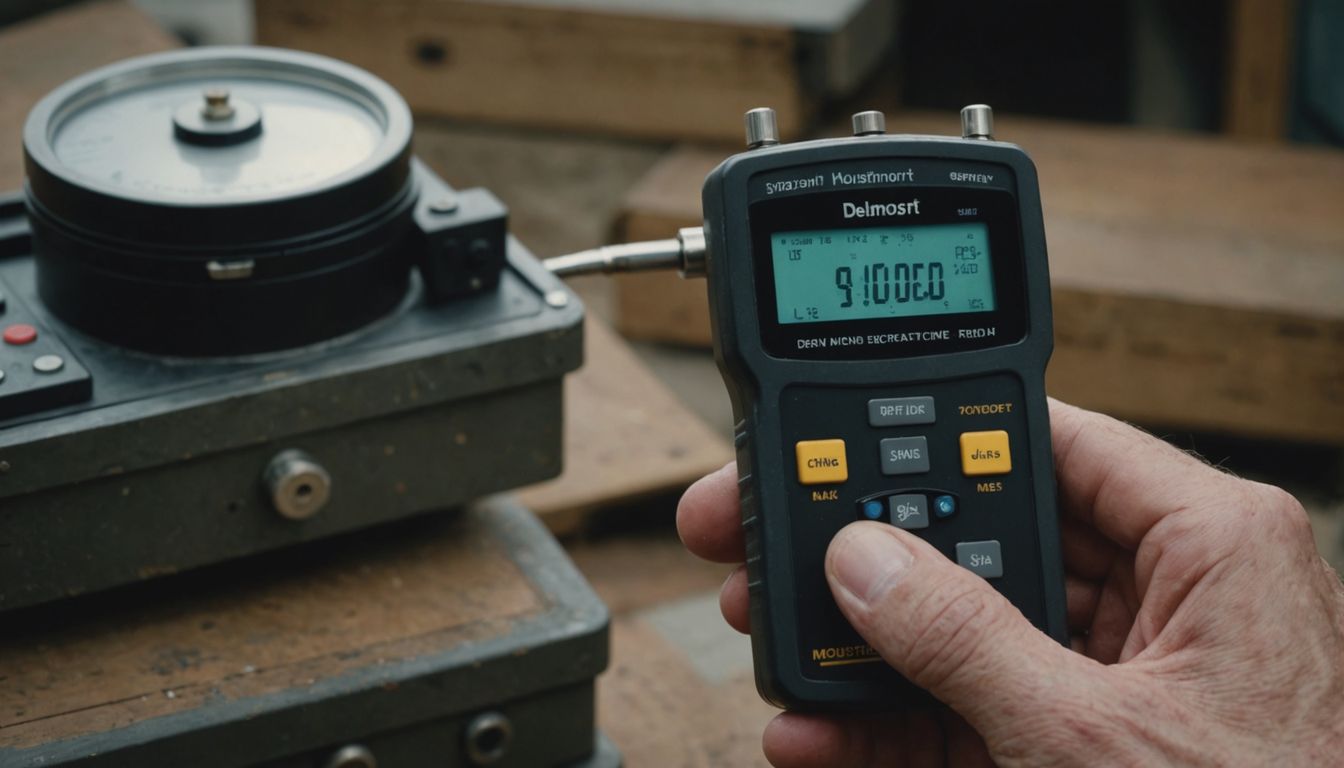 The Delmhorst BD10 Moisture Meter Package is an essential guide for water mitigation specialists. This package is designed to provide accurate moisture content readings across a variety of materials, making it a versatile tool in the field of water damage restoration.
Setting Up Your Delmhorst BD10 Moisture Meter
Unpacking the Kit
Begin by carefully unboxing your Delmhorst BD10 Moisture Meter package. Ensure that all components are present, including the meter itself, pins, the 21E deep wall electrode, a 9V battery, and the carrying case. Verify that no items are missing or damaged during shipping.
Installing the Batteries
To power your BD10, insert the provided 9V battery into the battery compartment. Follow these steps:
- Open the battery compartment located at the back of the meter.
- Connect the 9V battery to the terminal, ensuring correct polarity.
- Close the compartment securely.
Calibrating the Meter
Before using the BD10, it’s crucial to calibrate it for accurate readings. Follow these steps:
- Turn on the meter by pressing the power button.
- Use the calibration tool included in the package to adjust the meter to the correct baseline.
- Ensure the needle points to the calibration mark on the analog display.
Proper calibration is essential for obtaining reliable moisture measurements. Always calibrate the meter in a controlled environment to avoid inaccuracies.
Using the Delmhorst BD10 for Different Materials
Measuring Moisture in Wood
The Delmhorst BD10 is designed to provide accurate moisture readings in wood, making it an essential tool for carpenters and woodworkers. Ensure the pins are properly inserted into the wood to get a reliable reading. The meter’s wood scale range is from 6% to 40% moisture content, which covers most wood types used in construction and furniture making.
Testing Drywall and Plaster
For drywall and plaster, the BD10 offers a reference scale range of 0% to 100% relative moisture content. This feature is particularly useful for restoration professionals who need to assess water damage. Insert the pins into the material and read the analog display to determine the moisture level.
Evaluating Concrete and Brickwork
When it comes to concrete and brickwork, the BD10 can be used with an external electrode, such as the Delmhorst 26-ES, to measure surface and core moisture content up to a depth of 1-1/16 inch. This capability is crucial for ensuring that these materials are adequately dry before proceeding with any restoration work.
Proper use of the Delmhorst BD10 across different materials ensures accurate moisture readings, which is vital for successful restoration projects.
Advanced Techniques for Accurate Readings
Using the Slide Hammer Electrode
The slide hammer electrode is essential for penetrating dense materials. Ensure firm, positive contact by driving the pins into the material. This technique is particularly useful for rough-surfaced lumber and cupped boards, as it helps detect unknown gradients effectively.
Interpreting the Analog Display
Understanding the analog display is crucial for accurate readings. Note the readings at each level of penetration to identify moisture gradients. If readings are uniform, there is no moisture problem. However, increasing readings indicate a potential moisture source deeper within the material.
Maintaining Consistent Pressure
Maintaining consistent pressure while using the meter ensures reliable results. Inconsistent pressure can lead to unreliable readings, especially when testing materials like wood, drywall, or concrete. Always apply steady pressure to get the most accurate measurements.
For accurate results with a pinless meter, the material you’re testing must be at least the width of the scanning area on the bottom of the meter. Otherwise, the meter will not make firm contact and may provide inconsistent readings.
Maintenance and Care for Your BD10 Moisture Meter
Cleaning the Device
To ensure the longevity of your Delmhorst BD10 Moisture Meter, regular cleaning is essential. Use a biodegradable cleanser sparingly on the external parts of the device. Avoid getting any liquid inside the meter to prevent damage. Keeping the device clean will ensure accurate readings and extend its lifespan.
Replacing the Pins
Over time, the contact pins on your moisture meter may wear out or become damaged. It’s crucial to replace them as needed to maintain the accuracy of your readings. Always have extra contact pins on hand, especially if you frequently use the meter for water damage restoration tasks.
Storing the Meter Properly
Proper storage is vital for maintaining the functionality of your BD10 Moisture Meter. Store the device in a clean, dry place to avoid any moisture buildup that could affect its performance. A carrying case can provide additional protection, especially if you are part of a water damage mitigation service and need to transport the meter frequently.
Regular maintenance and proper care of your Delmhorst BD10 Moisture Meter are essential for reliable performance during water cleanup and water removal tasks. By following these guidelines, you can ensure that your device remains in top condition for all your water damage restoration needs.
Troubleshooting Common Issues
Inaccurate Readings
If your Delmhorst BD10 is providing inaccurate readings, ensure the pins are clean and properly inserted. Calibrate the meter regularly to maintain accuracy. Also, check for any environmental factors that might affect the readings, such as extreme temperatures or humidity levels.
Battery Problems
Battery issues can often be resolved by ensuring the batteries are correctly installed and have sufficient charge. If the meter fails to power on, try replacing the batteries with new ones. Always use the recommended battery type for optimal performance.
Display Malfunctions
For display malfunctions, first, check if the screen is clean and free from any obstructions. If the display is still not functioning correctly, reset the device by removing and reinserting the batteries. If the problem persists, consult the user manual or contact customer support for further assistance.
Regular maintenance and proper handling can prevent most common issues with your Delmhorst BD10 Moisture Meter.
Recommended Accessories for the BD10 Moisture Meter
Extra Contact Pins
To ensure the longevity and accuracy of your Delmhorst BD10 Moisture Meter, it’s essential to have extra contact pins on hand. These pins are crucial for maintaining precise readings, especially when working with various materials. Having spare pins can save you time and ensure uninterrupted workflow.
Carrying Case Options
A durable carrying case is a must-have accessory for protecting your moisture meter and its components. Look for cases that offer compartments for the meter, electrodes, and extra pins. This not only keeps everything organized but also safeguards your equipment from damage during transport.
Additional Electrodes
For more specialized tasks, additional electrodes like the 21-E and 26-ES can be extremely useful. These electrodes allow you to take surface and core moisture readings, providing a more comprehensive analysis of the material being tested. Investing in these accessories can significantly enhance the versatility and functionality of your BD10 Moisture Meter.
Proper accessories not only extend the life of your moisture meter but also improve its performance, making your restoration work more efficient and accurate.
Enhance the functionality of your BD10 Moisture Meter with our top recommended accessories. From protective cases to calibration tools, we have everything you need to ensure accurate and reliable readings.
Conclusion
The Delmhorst BD-10 Moisture Meter Package is an indispensable tool for restoration professionals. Its versatility in measuring moisture content across a variety of building materials, including wood, drywall, and concrete, makes it a reliable companion on any job site. Whether you are dealing with water damage restoration or general building inspections, the BD-10’s easy-to-read analog display and user-friendly operation ensure accurate and efficient moisture readings. Investing in the Delmhorst BD-10 Moisture Meter Package means equipping yourself with a high-quality, durable instrument that will enhance your restoration efforts and help you achieve optimal results.
Frequently Asked Questions
What materials can the Delmhorst BD10 Moisture Meter measure?
The Delmhorst BD10 Moisture Meter can measure moisture content in various building materials, including wood, drywall, plaster, concrete, brickwork, walls, siding, and roofing.
How do I calibrate the Delmhorst BD10 Moisture Meter?
To calibrate the Delmhorst BD10 Moisture Meter, follow the instructions provided in the user manual. Calibration ensures accurate readings and should be done regularly.
What is included in the Delmhorst BD10 Moisture Meter package?
The package typically includes the BD10 meter, a 26-ES electrode, extra contact pins for the meter, extra 496 pins for the 26-ES electrode, and a carrying case.
How do I replace the pins on the Delmhorst BD10 Moisture Meter?
To replace the pins, first turn off the meter. Remove the old pins and insert the new ones securely. Refer to the user manual for detailed instructions.
What should I do if the Delmhorst BD10 Moisture Meter displays inaccurate readings?
If the meter displays inaccurate readings, ensure it is properly calibrated and the pins are in good condition. If problems persist, consult the troubleshooting section of the user manual or contact customer support.
How do I maintain and store the Delmhorst BD10 Moisture Meter?
Clean the device regularly, replace the pins when necessary, and store it in a dry place. Use the carrying case included in the package to protect the meter during storage and transportation.